
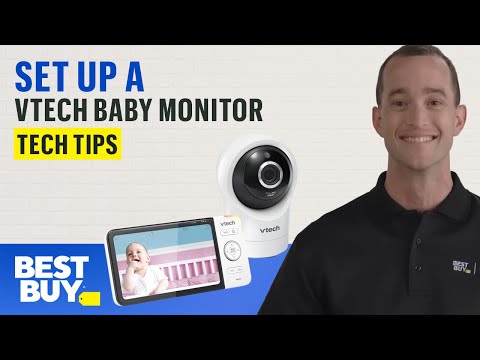
Welcoming a new addition to your family? Agent Meade is here to help set up some added peace of mind for your bundle of joy with a VTech Baby Monitor. You’ll need the monitor and its included accessories, a smartphone, the MyVTech Baby app, a pencil, drill and screwdriver. He’ll be working with a Google Pixel 4, so your steps might vary depending on your devices.
Subscribe for more from Best Buy:
Want to secure access to your monitor’s video? Check out our video on creating a strong password by following this link:
If you’d like to skip ahead:
Tips on camera placement: 00:29
Setting up the monitor: 00:39
Connecting with the MyVTech Baby app: 01:29
Tips for mounting the camera: 02:48
Setting up motion alerts: 03:50
Shop VTech Monitors:
Best Buy Memberships for everyone.
Connect with a Virtual Expert:
#BestBuy #Vtech #BabyMonitor

So the baby monitor is not wireless? It needs to be plugged in at all times?
Which is the charger?? Idk how to even charge the parent unit before first use! Sorry! I’m a dummy with technology
I want my sister(s) to have access from their phones at their homes as well. How do I pair their phones?
You lost me after pencil, drill and screwdriver.
What if I don’t have the monitor